Weekly Weather v3: Radar Maps, New Settings, and Landscape Support
- tags
- #Android #Weather #Open-Source #Development
- published
- reading time
- 2 minutes
Version 3 of Weekly Weather is out, and it’s a significant update. The headline addition is an interactive radar map with animated precipitation overlays, but there’s a lot more packed into this release.
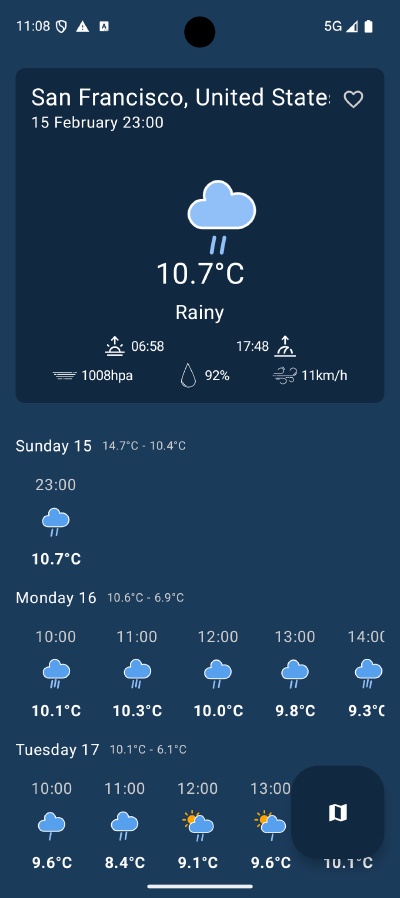
Radar Map with Animated Precipitation
The biggest new feature is the radar screen. You can now pull up an interactive map and watch precipitation move across the region in real time. The animation shows a time scrubber so you can step through frames manually or let it play on its own.
The radar overlay uses live precipitation tile data layered on top of a standard Google Maps view, so you get full map interactivity — zoom, pan, and switch between radar mode and a clean map view.
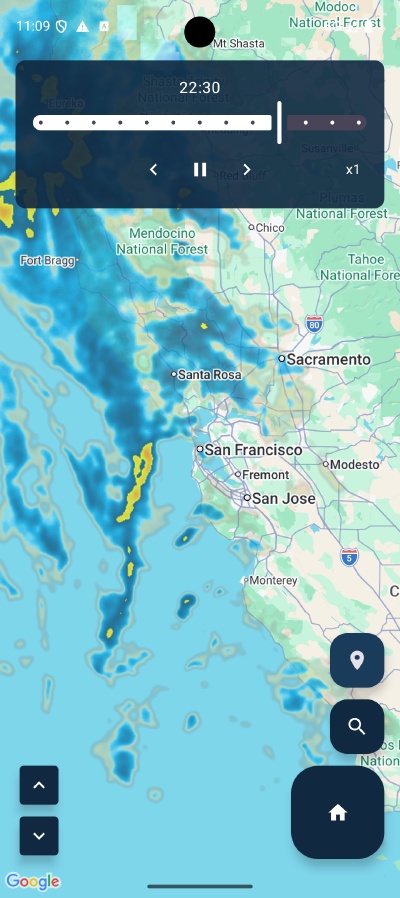
A few things worth noting about the radar implementation:
- Tile caching has been improved, so switching between frames is smoother
- Zoom level is preserved when toggling radar mode on and off — no more jumping back to the default zoom
- The map no longer shows Null Island (0°, 0°) when navigating from the weather screen, which was a bug introduced earlier
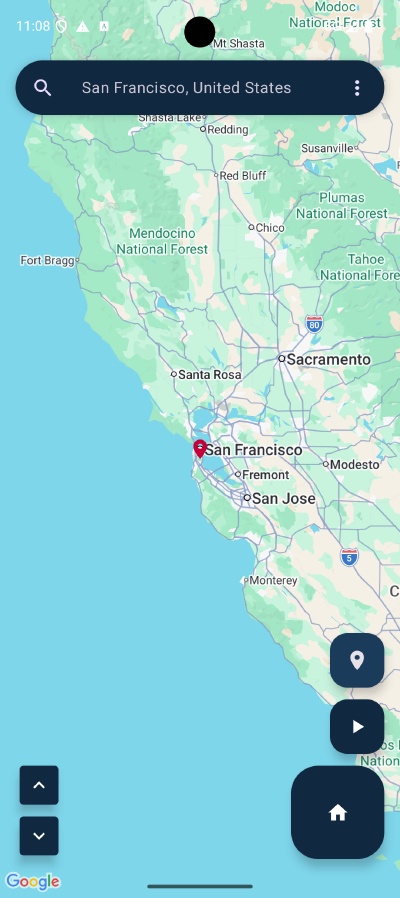
Map Screen
Alongside the radar, there’s a dedicated map screen for viewing your current location and saved places. It shares the same navigation structure as the weather screen, so jumping between your saved locations is quick.
Settings: Units, Theme, and Radar Speed
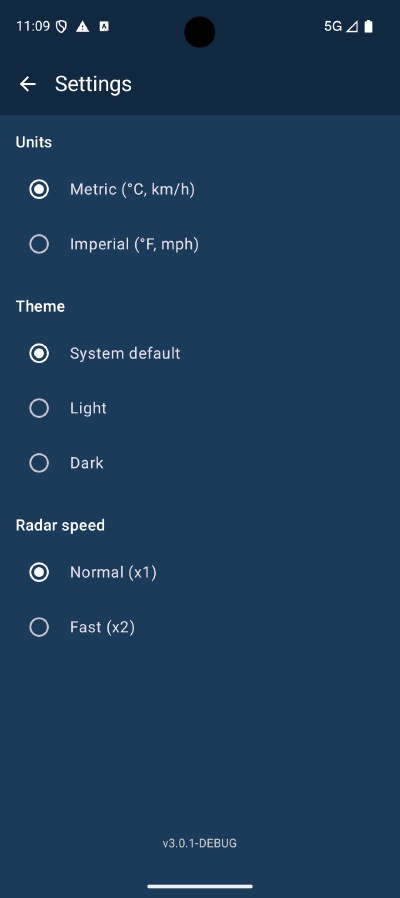
A proper settings screen is new in v3. Previously there were no user-configurable options — now you can set:
- Units — Metric (°C, km/h) or Imperial (°F, mph)
- Theme — System default, Light, or Dark
- Radar speed — Normal (x1) or Fast (x2)
Landscape Layout Support
All three main screens — weather, map, and settings — now have proper landscape layouts. Previously the app was portrait-only. If you use it on a tablet or just rotate your phone, it adapts correctly.
Adaptive Navigation
The navigation structure has been updated to be adaptive. On smaller screens you get a bottom nav bar; on larger screens the layout adjusts accordingly. This was part of a broader cleanup that also consolidated several modules and fixed edge-to-edge display issues.
Under the Hood
On the dependency injection side, the app moved from Dagger Hilt to Koin in v2.6.2, which simplified the setup considerably. v3 builds on that foundation with the new features above.
The app remains open source under MIT licence — the source is on Gitea and the app is available on Google Play. Weather data is provided by Open-Meteo.