The Header Is a Shell Now
- published
- · 4 min read
- tags
- #hugo #javascript #web #easter-eggs #development
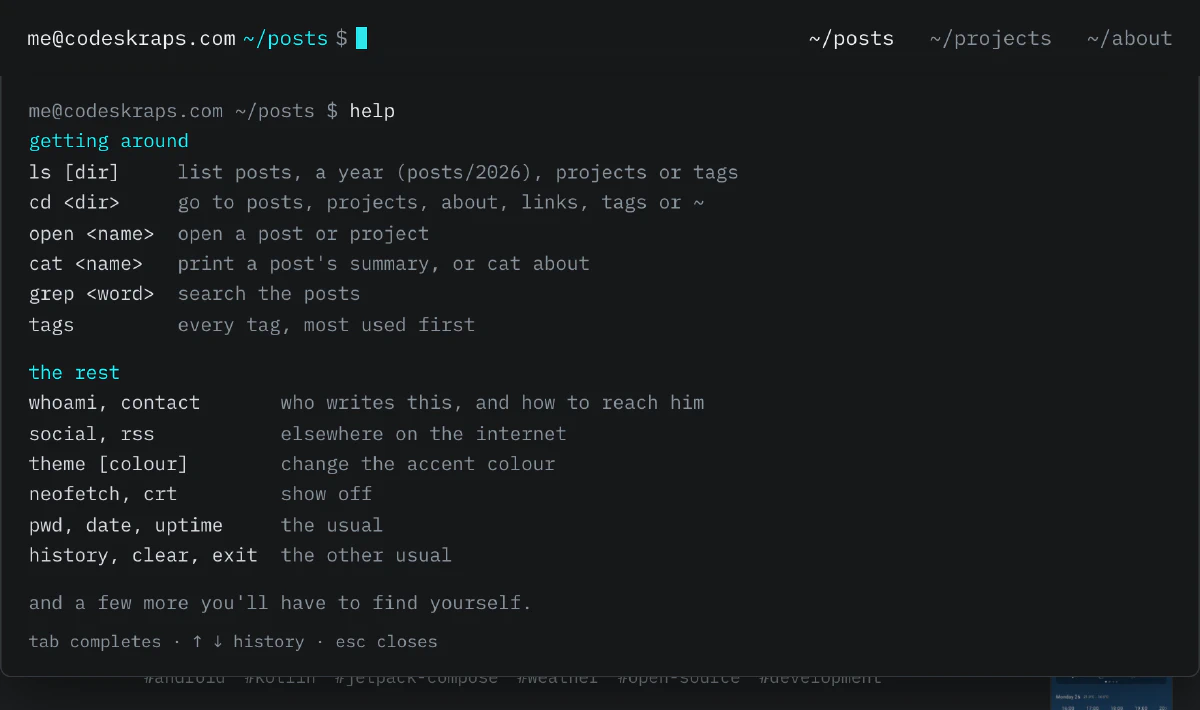
Since this site went up, every page has started with me@codeskraps.com ~ $. It was decoration, a nod to my <> logo and to the terminal. This week I gave the site a new coat of paint, and while I was at it I made the prompt work. Just start typing on any page (or click the cursor at the top), then type help.
First, the coat of paint
The redesign started with one complaint: reading a post wasn’t comfortable. The body text was Open Sans at 16px with the browser’s default line height, near-white on dark grey, and close to a hundred characters per line. Code was 12px.
Now posts are set in IBM Plex Sans at 17px with a 1.7 line height, in a column of about 75 characters. IBM Plex Mono does the headers, the metadata and everything else that’s meant to look like a terminal. Both fonts are hosted here, not loaded from Google. Code blocks are bigger and have a small bar with the language and a copy button. The posts list is now a plain list grouped by year, with a thumbnail when a post has an image. And the footer says it plainly: no cookies.
What the shell can do
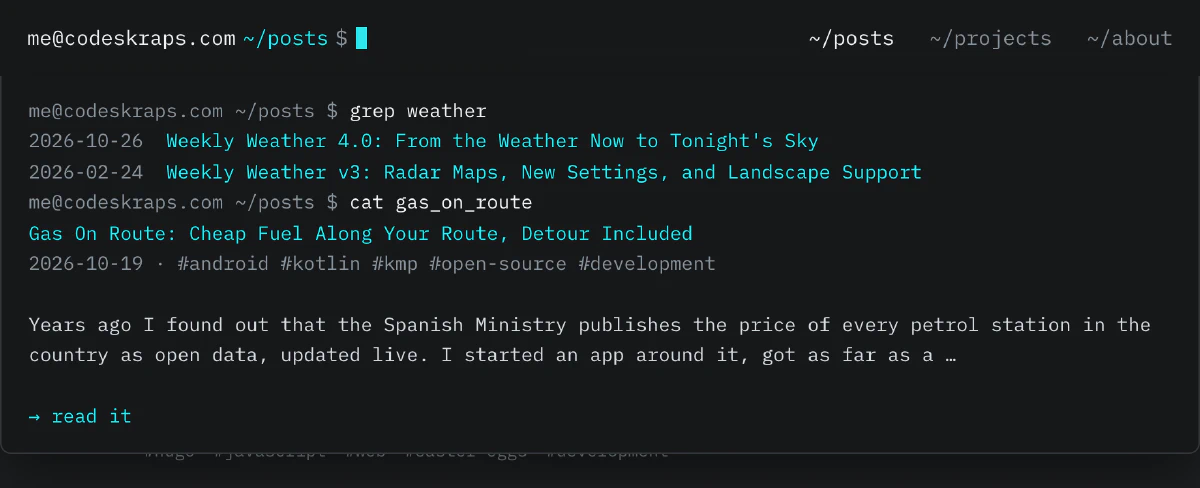
It knows the site, and its paths are the site’s URLs. ls lists the posts by year, ls -lt ~/posts/2026 lists this year’s, and cd ~/posts/2026 takes you to /posts/2026/, a page of its own. cd projects goes where you’d expect, open and cat take a post’s name (Tab completes it), and grep searches every title, summary and tag:
The rest of what help lists is the usual: whoami, pwd, date, uptime (counted from my first post), history, clear, exit. Up and down go through your history, Escape closes the panel. You don’t need to click first: any letter you type on a page goes to the prompt, while space, the arrows and your browser’s shortcuts keep scrolling and working as usual.
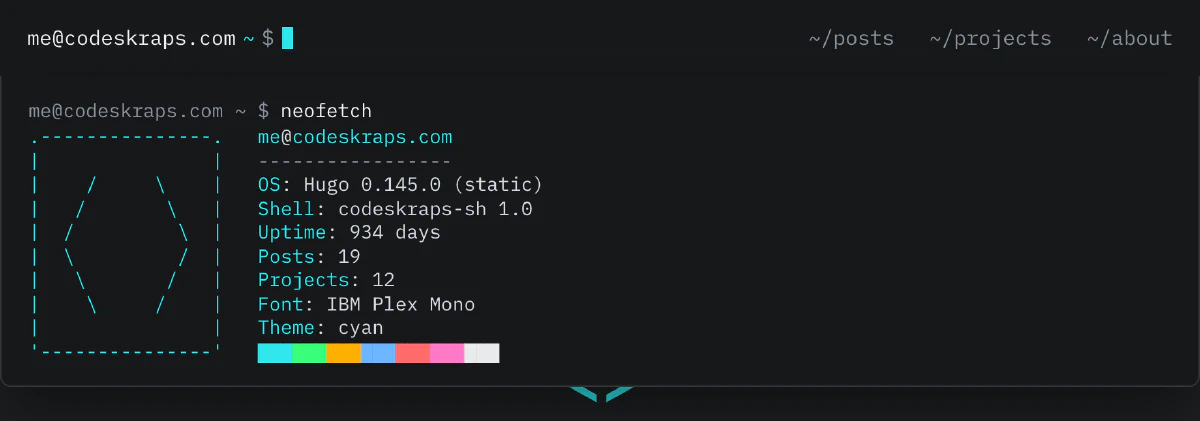
neofetch was not optional:
Making it yours
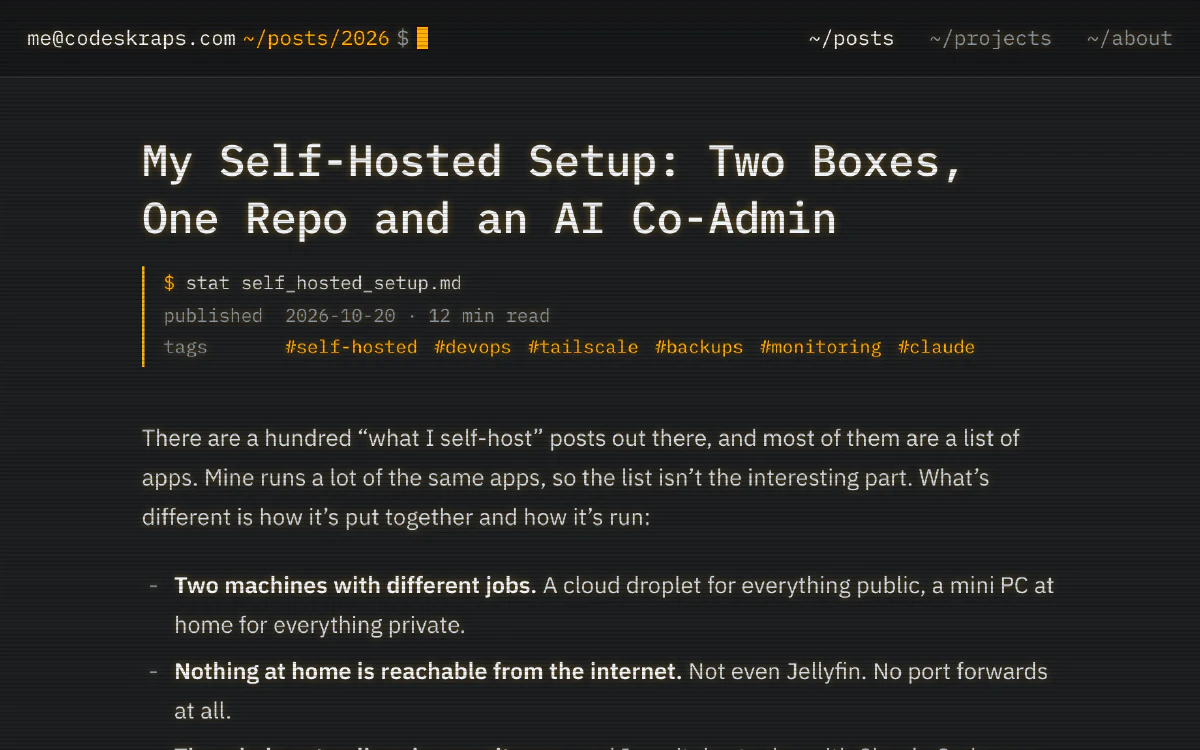
theme changes the accent colour of the whole site: cyan, green, amber, blue, red, pink or white. It’s the one thing the site remembers, on your device only and only if you pick one. crt adds scanlines and a little glow. Amber and crt together look like a monitor from the eighties:
The ones help doesn’t mention
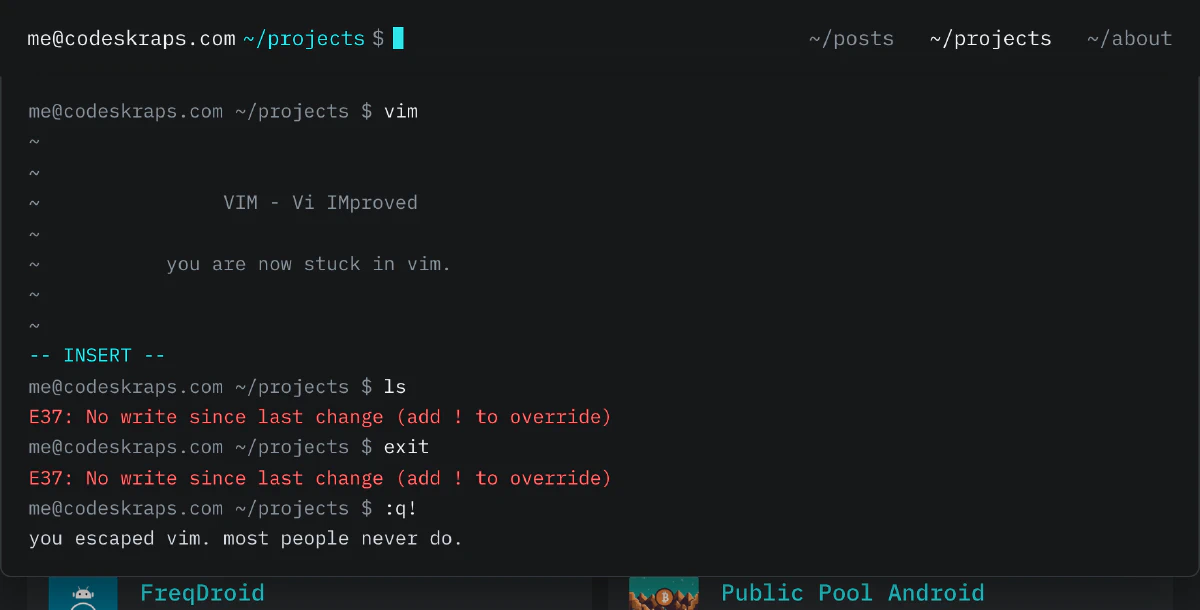
help ends with “and a few more you’ll have to find yourself”, and there are more than a few. Most of them are things you’d type into a real terminal and regret. Some are things you’d type to see what happens. One of them is my first computer.
I’m not going to list them, but I’ll give you two. If you open vim, you know what happens next:
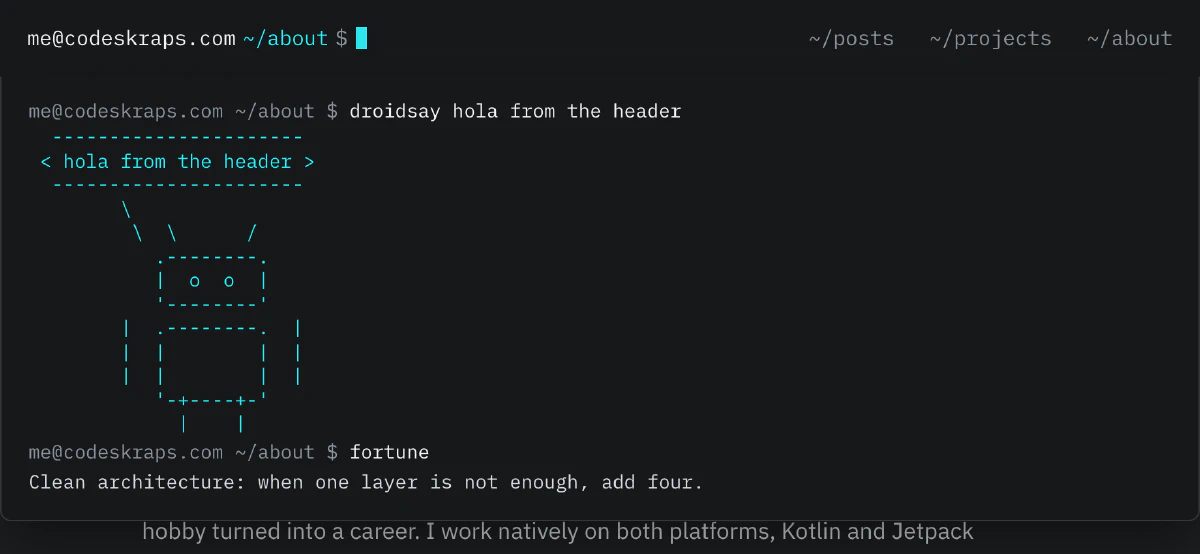
And since most of what I build runs on Android, the cow had to go:
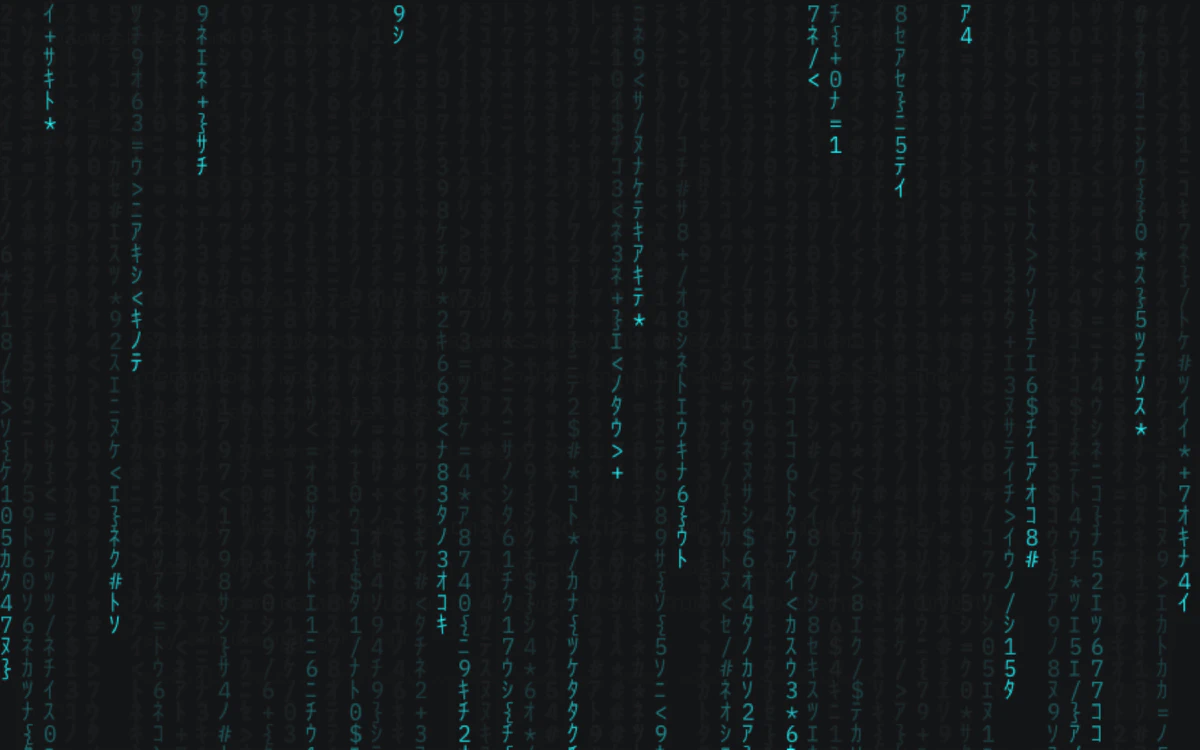
If you grew up with a certain controller, try its most famous code on any page. Not in the shell. Just on the page.
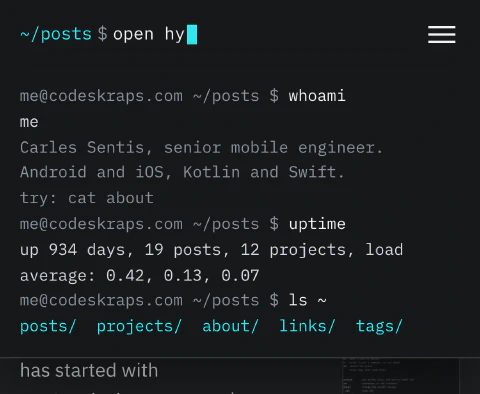
On a phone
Tap the cursor and the keyboard comes up. The panel takes the width of the screen, and the host name steps aside while you type so there’s room for the command.
How it works
There’s no framework and no dependency. The shell is one plain JavaScript file, 23 KB minified (about 9 KB gzipped), loaded with defer.
It needs to know what’s on the site, so Hugo writes that down at build time. A partial collects the posts, projects and tags into a small JSON file and fingerprints it:
{{ $data := dict "posts" $posts "projects" $projects "tags" $tags }}
{{ $res := $data | jsonify | resources.FromString "shell.json" | minify | fingerprint }}
{{ return $res.RelPermalink }}
The header puts that URL in a data-shell attribute, and the shell only fetches it the first time you use it. If you never touch the prompt, it costs you nothing but the script.
A few things I cared about:
- Nothing you type leaves your browser. Commands aren’t sent to my analytics or anywhere else. History lives in
sessionStorageand is gone when you close the tab. - It respects reduced motion. If your system asks for less animation, the cursor stops blinking and the code rain politely declines.
- It’s still a normal website. The prompt is a labelled text input, the menu still works, and every page is reachable without typing anything.
One lesson from building it: the ASCII art started out in box-drawing characters (╭─╮), and in the browser it had gaps. The IBM Plex Mono I host is the Latin subset, which doesn’t include box drawing, so those characters came from a fallback font with different widths. Plain ., - and | fixed it, and they look more like the terminals I grew up with anyway.
If you find a command I forgot to hide, or one I should add, my email is in contact.